


Simplesat is a customer feedback platform designed for service teams to easily collect, manage, and showcase client satisfaction data. It integrates with major help desks and CRMs to capture real-time feedback through CSAT, CES, and NPS surveys.
Integrating Simplesat helps teams improve service quality by capturing actionable customer insights seamlessly.
Authentication
Before you begin, make sure you have the following information:
Connection Name: Select a descriptive name for your connection, like "MyAppSimplesatIntegration". This helps in easily identifying the connection within your application or integration settings.Authentication Type: Simplesat supports API tokens for authentication.
API Key Based Authentication
Sign up or log in to your Simplesat account by visiting the Simplesat dashboard.
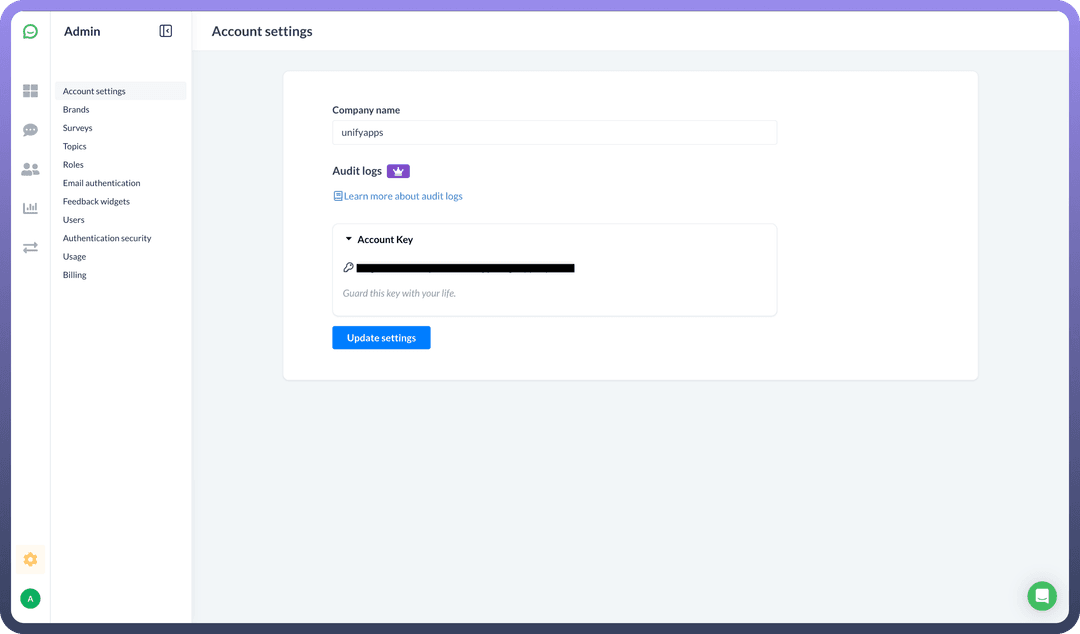
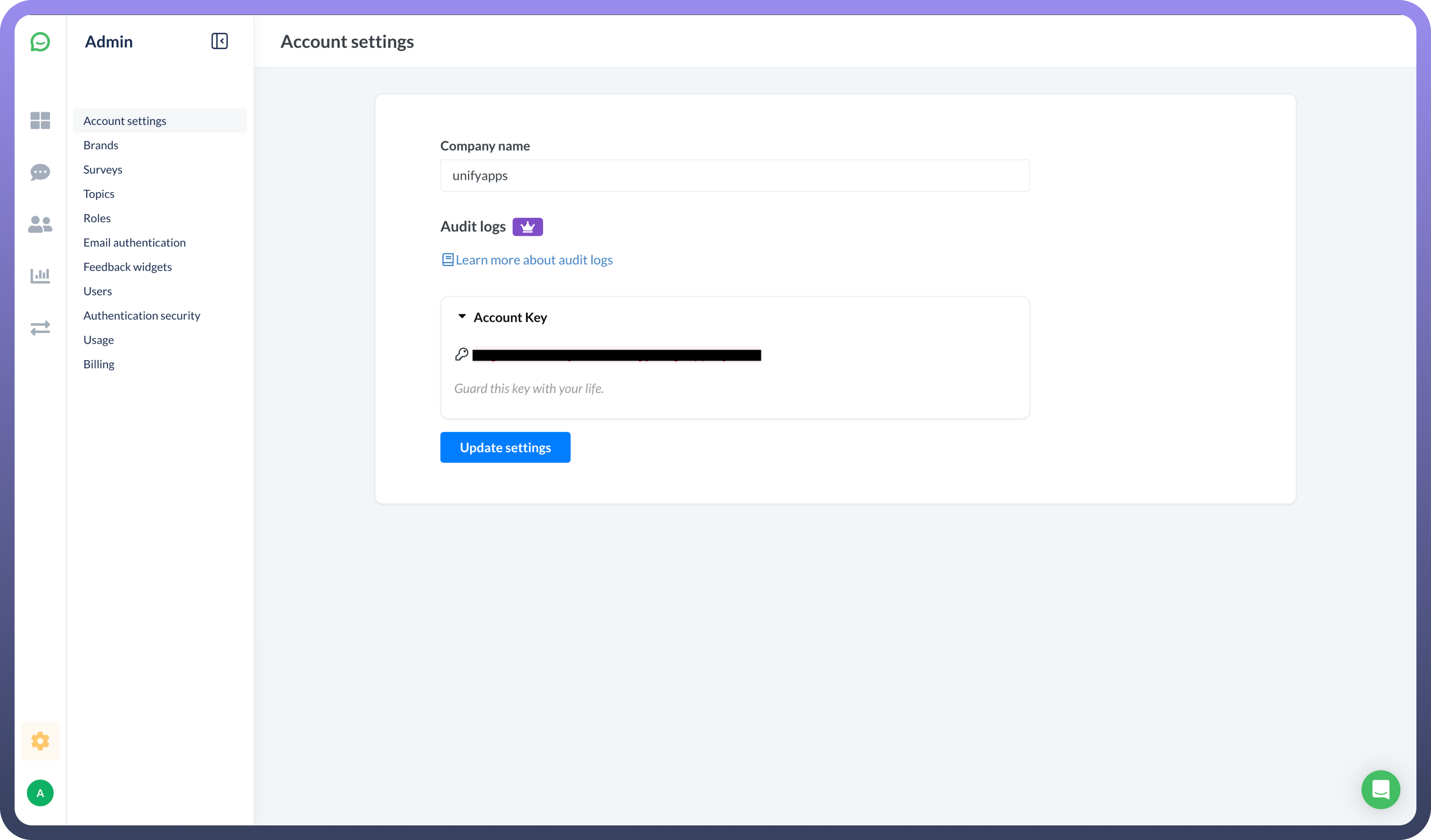
Navigate to the API Key section by clicking on your setting icon and selecting '
Account settings' from the dropdown menu.Your API Key is in the Account Key dropdown.
Copy the generated API Key and store it securely to prevent unauthorized access.
Actions
| Actions | Description |
Find customer | Finds a customer in Simplesat |
Find response | Finds a response in Simplesat |
Find team member | Finds a team member in Simplesat |
Upsert customer | Upserts a customer in Simplesat |
Upsert response | Upserts a response in Simplesat |
Upsert team member | Upserts a team member in Simplesat |
Triggers
| Triggers | Description |
New feedback | Triggers when a new feedback is added in Simplesat |